TableTalker® Support & Video Tutorials
Everything you need to successfully deploy your tabletop units, configure audio settings, and manage your fleet. Get up and running in under five minutes.
Quick Setup & Activation
- 1
Deploy & Power: Unpack your tabletop units and position them on your meeting tables. Turn them on using the side power button.
- 2
Register Fleet: Log into the TableTalker Customer Portal, enter your unique serial numbers, and instantly activate your devices.
- 3
Launch the App: Open the TableTalker application on your touch screen control, select your operating mode, and start your meeting.
One System, Endless Configurations
TableTalker® seamlessly adapts to the way you meet. Select a layout configuration below to view setup diagrams and specific guidelines.
Perfect for Round & Oval Tables (Up to 10 Participants)
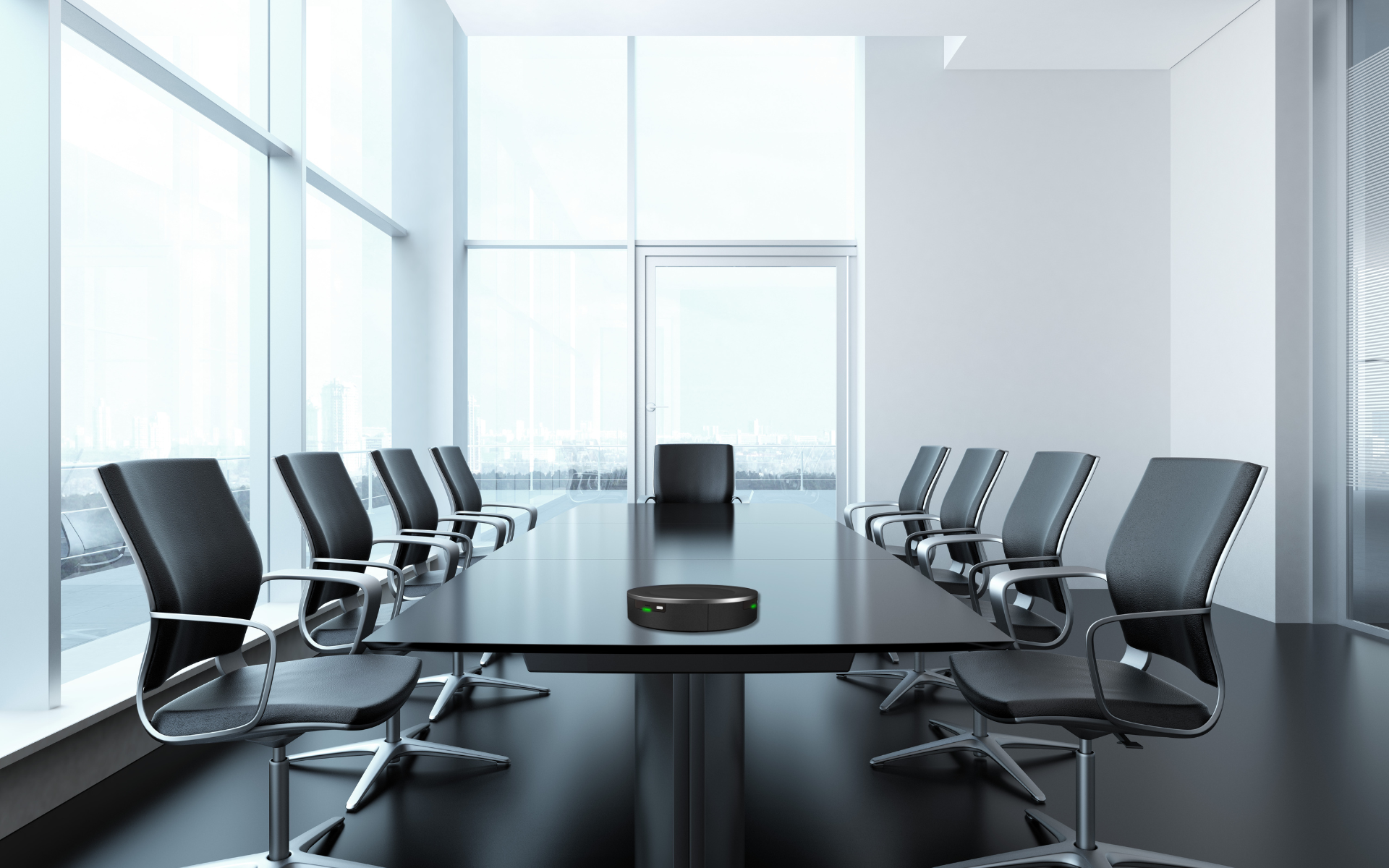
The centerpiece of the system is TableTalker, a table-top unit positioned at the center of each table to seamlessly serve up to ten participants. This user-friendly unit provides crystal-clear audio for all attendees, while also communicating with the other TableTalkers in the room — fostering a truly collaborative environment.
Setup guidelines:
Centerpiece Placement: Position the TableTalker unit precisely in the middle of the table.
Clear Audio Line-of-Sight: Ensure there are no physical obstacles (open laptops, tall water bottles, paper binders) blocking the unit's microphone array.
Optimal Coverage: The built-in omnidirectional microphones provide crystal-clear voice pick-up for everyone seated around the table.